


Screen Printing Vector Conversion Service: Your Blueprint for Flawless Prints
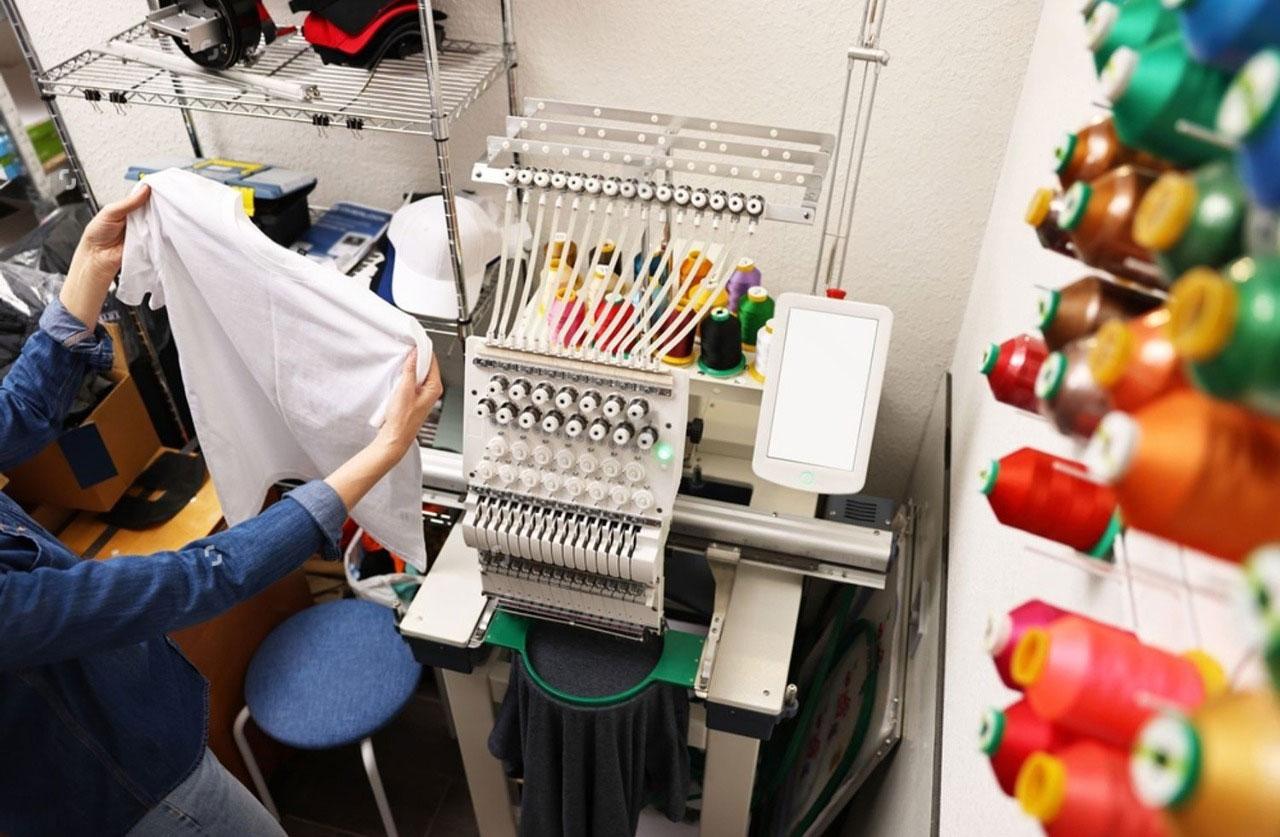
You have a killer design idea for t-shirts—a detailed logo, a vintage-inspired illustration, a band poster packed with text. You send your artwork to the screen printer, full of excitement. Then you get the email: “We can’t use this file. We need vector art.” This moment of frustration is more common than you think. Raster images from programs like Photoshop, or low-resolution files pulled from the web, simply don’t work for professional screen printing. The solution isn’t just a technical fix; it’s a foundational step called a screen printing vector conversion service.
This service is the essential bridge between your original concept and a crisp, durable, and vibrant print on fabric. It transforms any image into a clean, mathematical blueprint that screen printing equipment can read perfectly. This guide will explain exactly why vector art is non-negotiable, demystify what a professional conversion service does, and show you how to identify a quality provider to ensure your prints look exceptional every single time.
Why Your Screen Printer Demands Vector Art
Screen printing is a physical, stencil-based process. A design is separated into individual color layers, and each color is burned onto a separate mesh screen. Ink is then pushed through these screens onto the garment, one color at a time. For this to work with precision, the source artwork needs to be flawless.
This is where vector art reigns supreme. Unlike raster images (JPEG, PNG, TIFF) made of a fixed grid of pixels, vector graphics (AI, EPS, SVG) are built from mathematical points and paths. Think of it as the difference between a mosaic made of tiles (pixels) and a blueprint drawn with a ruler and pen (vectors).
For screen printers, vector art provides three critical advantages:
-
Infinite Scalability: Whether you’re printing a small logo on a pocket or a full-back mural, a vector file can be resized to any dimension without ever becoming blurry or pixelated. The edges remain razor-sharp.
-
Clean Color Separation: Professional conversion software can automatically separate a vector design into its component colors, creating a precise layer for each ink. This is impossible to do cleanly with a blended, pixel-based image.
-
Editable and Efficient: Text stays as editable text. Shapes can be adjusted. Colors can be changed globally with a click. This makes last-minute tweaks for the printer—or for your next design—simple and fast.
Sending a non-vector file forces your printer to either attempt a subpar conversion themselves (often for an added fee and with mixed results) or come back to you with a problem. Starting with a professionally converted vector file streamlines the entire process and guarantees the quality of the final product.
What Does a Professional Vector Conversion Service Actually Do?
A quality service does much more than simply run an image through an auto-trace tool. It’s a meticulous, human-led process of recreation and refinement. Here’s what you should expect:
Step 1: Artwork Analysis & Consultation
A good service starts by evaluating your source file. They’ll identify potential issues like low resolution, JPEG artifacts, or overly complex gradients. They may contact you to clarify intent on fuzzy details or to discuss simplifying elements that won’t translate well to print, such as ultra-fine lines or subtle shadows.
Step 2: Manual Recreation & Vector Tracing
This is the core of the service. A skilled graphic artist uses software like Adobe Illustrator to manually redraw your design. They plot anchor points and draw Bézier curves to perfectly follow the contours of your original artwork. For logos and text, they often rebuild letterforms from scratch to ensure geometric perfection, rather than relying on a flawed auto-trace.
Step 3: Color Separation & Optimization for Print
The artist organizes the vector paths into clearly defined, separate color layers. They also optimize the design for the physical printing process. This includes:
-
Trapping: Creating slight overlaps between color areas to account for minute registration shifts on the press.
-
Creating Strokes: Converting any delicate shapes or lines to be print-ready, ensuring they won’t disappear under a layer of ink.
-
Simplifying Complex Areas: Reducing unnecessary detail in small elements that would clog a screen or fail to print clearly.
Step 4: Quality Assurance & Delivery
The final vector file is thoroughly checked for open paths, stray points, and correct color coding. You then receive a complete, packaged set of files—typically including the editable native AI/EPS file, and sometimes print-ready PDFs or separated color PDFs—ready to send directly to your screen printer.
Spotting a Quality Service: What to Look For
Not all conversion services are created equal. The cheapest online option often means fully automated, low-quality results. Here’s how to choose a provider that will deliver professional-grade work:
-
Emphasis on Manual, Human-Based Service: Avoid services that promise “instant, automated vector conversions.” Look for phrasing like “hand-drawn,” “custom,” or “artist-recreated.” Human judgment is irreplaceable for interpreting fuzzy edges and making aesthetic decisions.
-
Transparent Process & Communication: A reputable service will have a clear order process, often with a quoting system. They should be willing to answer questions before you commit and provide a proof or preview for your approval before finalizing the work.
-
Sample Portfolio: Review their past work. Zoom in on the details of their “before and after” examples. Do the vector lines look smooth and clean? Is the text perfectly reconstructed? This portfolio is the best indicator of their skill.
-
Industry-Specific Knowledge: The best services understand screen printing. They know about bleed lines, garment distortions, minimum dot sizes, and how halftones work. This practical knowledge informs their conversion choices.
-
Clear File Delivery: Ensure you will receive the source, editable vector files (like .AI or .EPS), not just a flattened PDF. You own the art and should have the master file for future use.
When Do You Need This Service?
Consider a professional vector conversion service essential in these common scenarios:
-
You Have a Raster-Only Logo: Your logo exists only on a website, a business card, or in a JPEG from a past designer. To print it on anything, it needs to be vectorized.
-
You’re Working with Scanned Art or Hand Drawings: A pen sketch, a painted artwork, or a vintage printed design needs to be digitized into a clean, color-separable vector format.
-
Your “Vector” File Has Issues: Sometimes, files created in non-standard programs or with poor techniques aren’t truly print-ready. A service can clean up and optimize these files.
-
You Need to Modify or Update Old Artwork: If you have an old logo file but need to change colors, rearrange elements, or scale it up for new merchandise, having a clean, layered vector file is the only way to do it efficiently.
The Cost of Quality: Understanding Pricing
Pricing for vector conversion varies based on complexity, not file size. A simple, one-color logo with clean lines might be very affordable. A detailed illustration with many colors, gradients, and fine detail will cost more due to the increased labor time.
Most reputable services offer upfront quotes based on an image you submit. View this cost not as an expense, but as a critical investment in your brand’s visual consistency. A one-time conversion gives you an asset you can use forever across all print and digital mediums.
Conclusion: The Foundation of Professional Print Results
In the world of screen printing, the quality of the final product is built on the quality of the pre-production artwork. A professional screen printing vector conversion service is the safeguard that ensures your vision survives the journey from screen to shirt intact. It transforms your idea into a technically perfect, versatile, and enduring digital asset.
By partnering with a skilled service, you do more than just get a usable file. You gain peace of mind, save your printer time (which can save you money), and guarantee that your audience sees your design exactly as you intended: crisp, clean, and professionally executed. Before you send your next design to print, ask yourself if it’s truly print-ready. If there’s any doubt, investing in a quality vector conversion is the single most important step you can take to ensure your prints make a powerful and polished statement.

 English
 Arabic
 French
 Spanish
 Portuguese
 Deutsch
 Turkish
 Dutch
Dutch
 Italiano
 Russian
 Portuguese (Brazil)
 Greek
Greek